Documents
Access all documents attached to the consent, including files sent to you by the BCA.
Documents are grouped into seven sections Lodgement, Assessment, Approved, Inspections, Certificates, Required and Payment.
The Documents tab can be accessed by selecting the application in the Projects screen and selecting Documents from the top options.
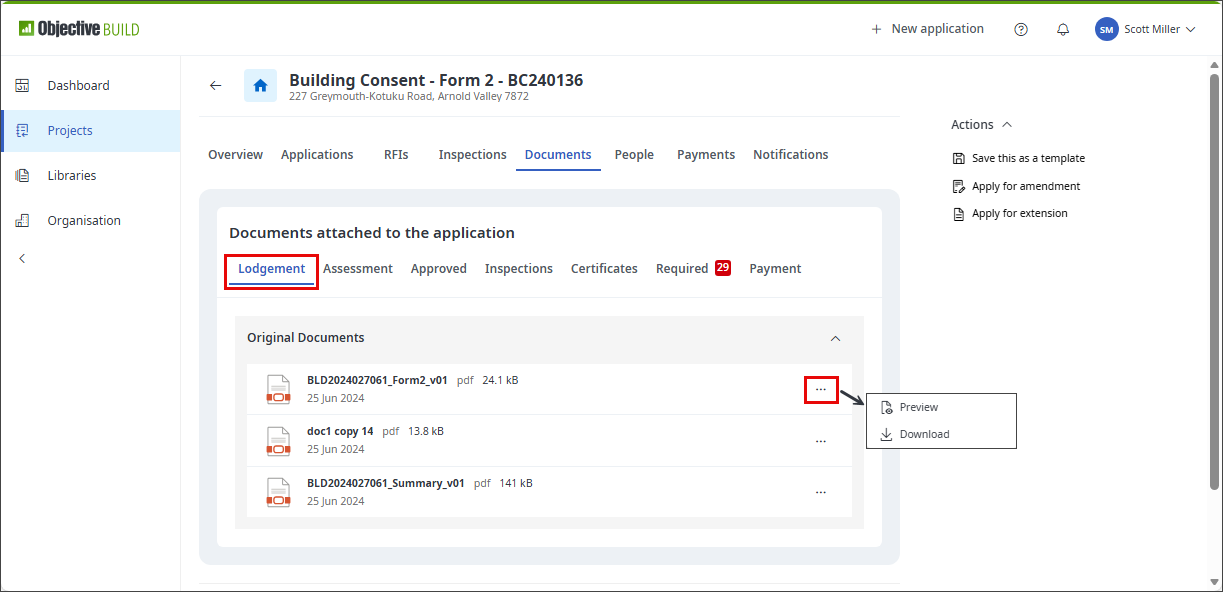
Lodgement
Documents uploaded and attached to your application, including legislated submission PDFs generated automatically on submission and those you have uploaded in response to lodgement RFIs.
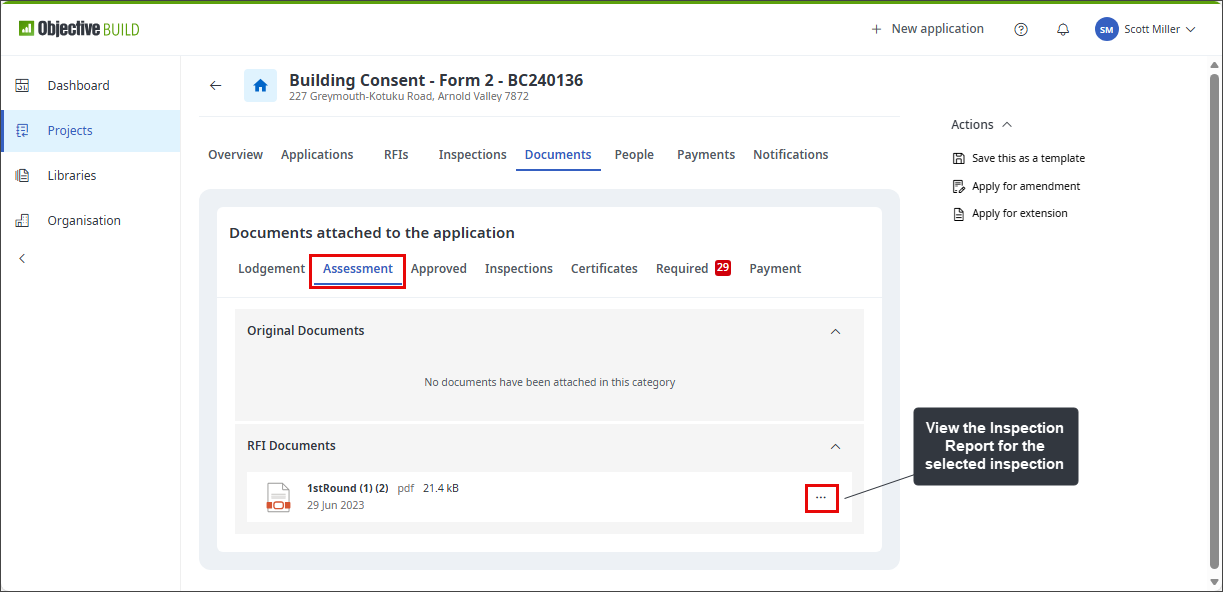
Assessment
Documents you have attached to the consent during the assessment stage, including those uploaded in response to assessment RFIs.
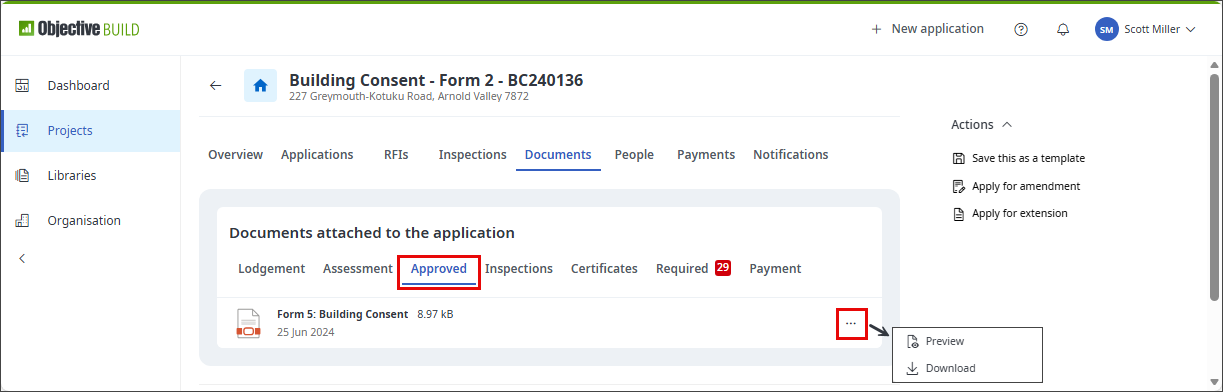
Approved
Documents issued by the BCA, including your stamped, approved plans.
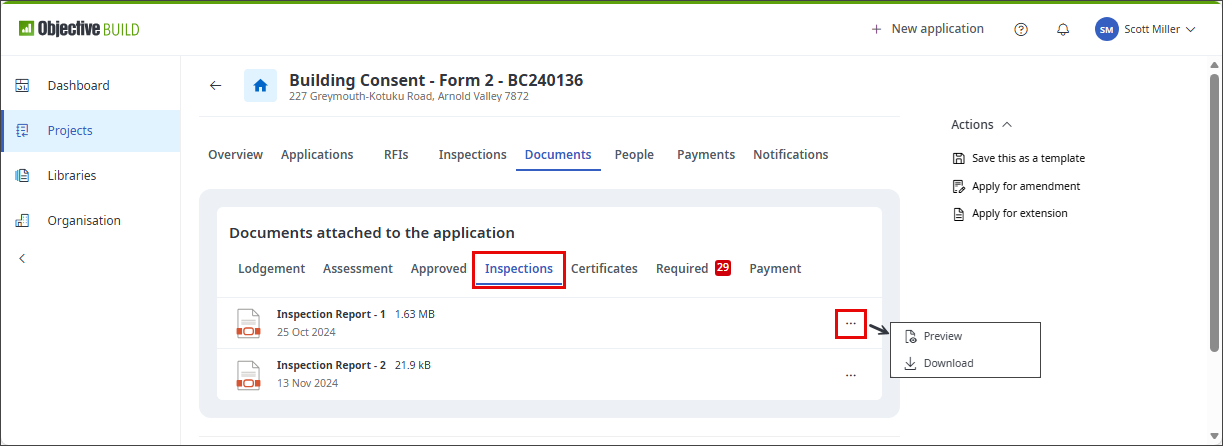
Inspections
Documents loaded during the inspection phase, including site inspection reports.
Certificates
Documents attached to the consent during the certification stage, including those uploaded in response to certificate RFIs.
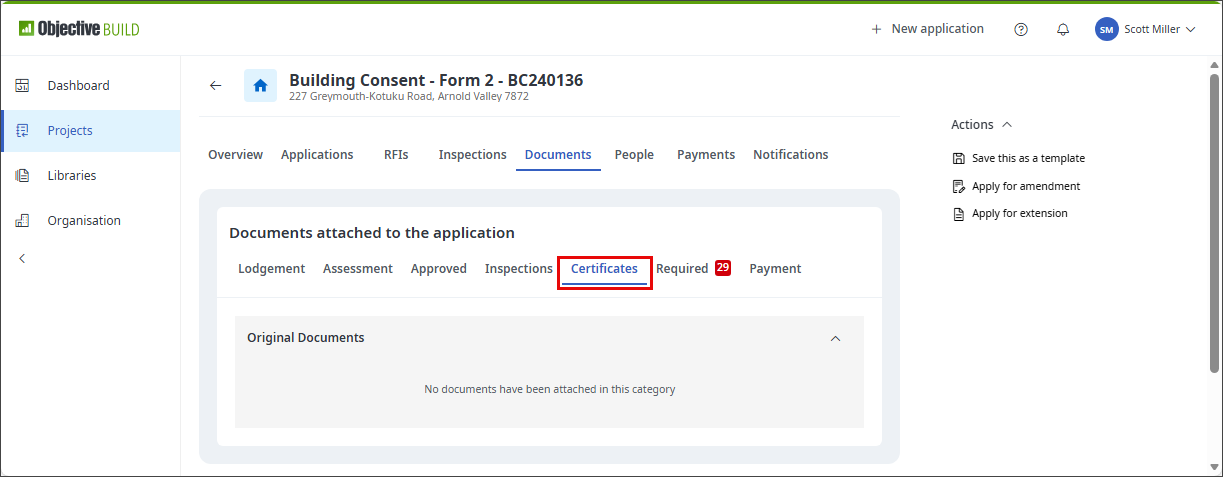
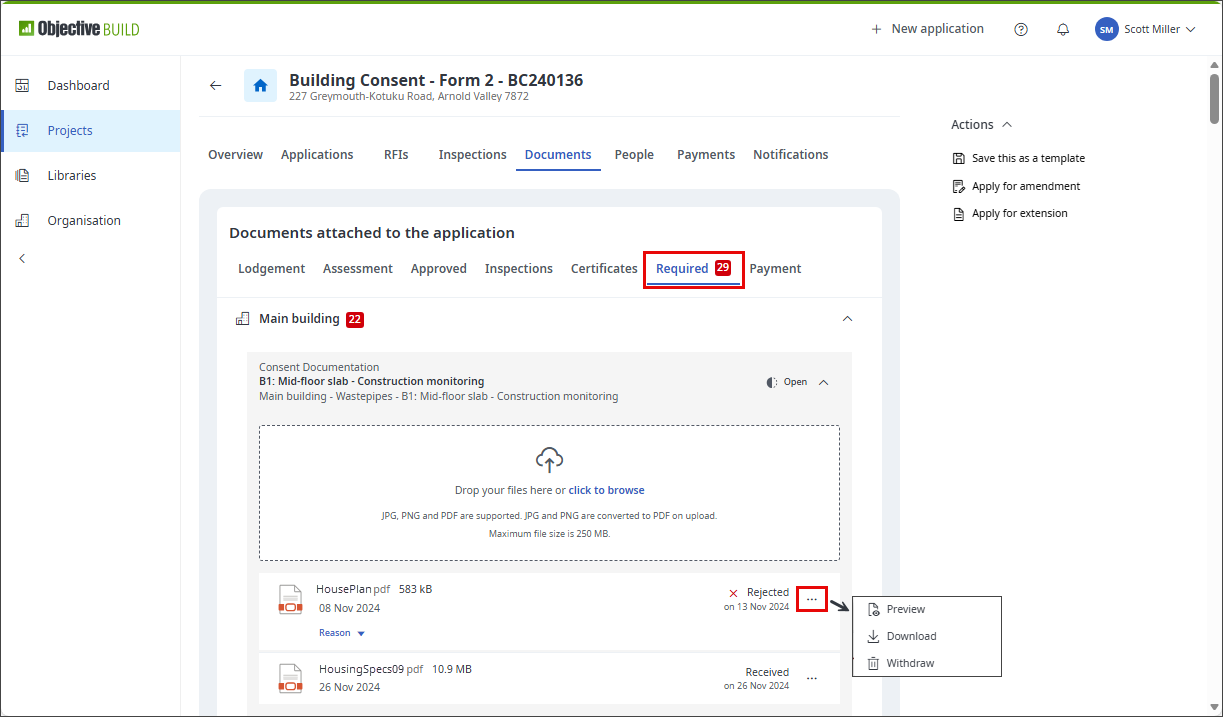
Required
Documents required by the BCA that you must submit as part of the building consent process. A Code Compliance Certificate may not be issued if any are outstanding.
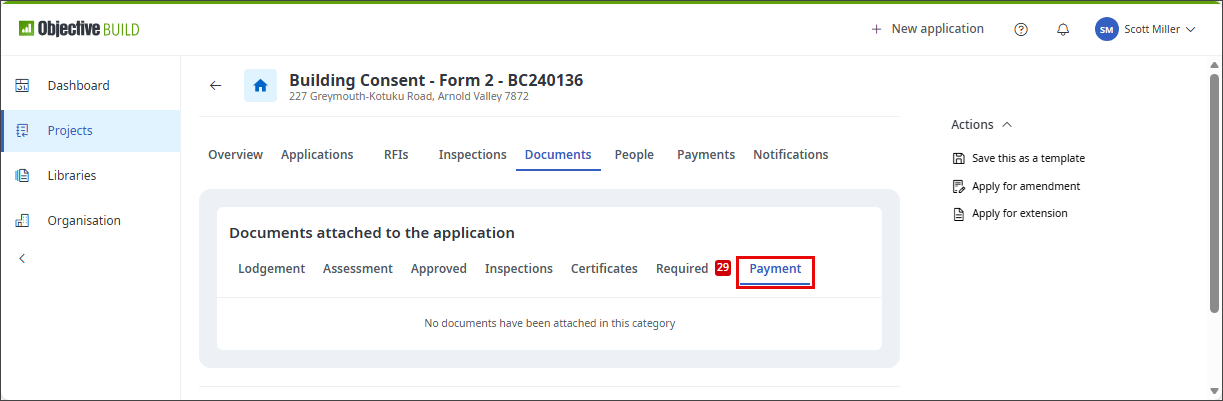
Payment
Invoices or fee statements issued by the BCA and any proof of payment documents attached to payments made by Direct Transfer.
Supported file formats and sizes
You can upload Adobe Portable Document Format (PDF) files to Objective Build. You can upload JPG and PNG image files and the system converts these to PDF. PDFs are accepted by all local authorities.
You can load a file up to 250MB in size.
If a file is larger than 250 MB and you have the option to output the PDF again from the source, for example if you are outputting a PDF from an architectural drawing tool, use the inbuilt options in that tool to optimise the PDF for lower size while still retaining high quality.
If you do not have access to the original tool, you may be able to compress the PDF. Always select the compression option that retains the highest quality when compressing architectural plans or drawings. Compression works by simplifying the data, but in some files the data is already simplified and compression has little or no effect.
If a single file exceeds 250 MB and you are loading files to an application or to required documents, you could split the file by outputting a range of pages at a time, to produce multiple files each smaller than 250 MB. You can then upload multiple files to an application and to required documents on a consent. (Note: you can submit a single PDF file only on RFI responses.)