Archive or restore an application
Archiving moves an application from the All list into the Archived list of the Projects page. It affects only the display location of the application and has no other effect on the application. It is useful when want to reduce the number of applications in a list. You can restore an archived application to the All list.
Archive an application
You can archive an application that is in an Accepted or Rejected completed state. You cannot archive an application that is still in a Draft or Lodgement state.
-
Navigate to the Projects screen
-
Search for the application by entering the search ID, address or description
-
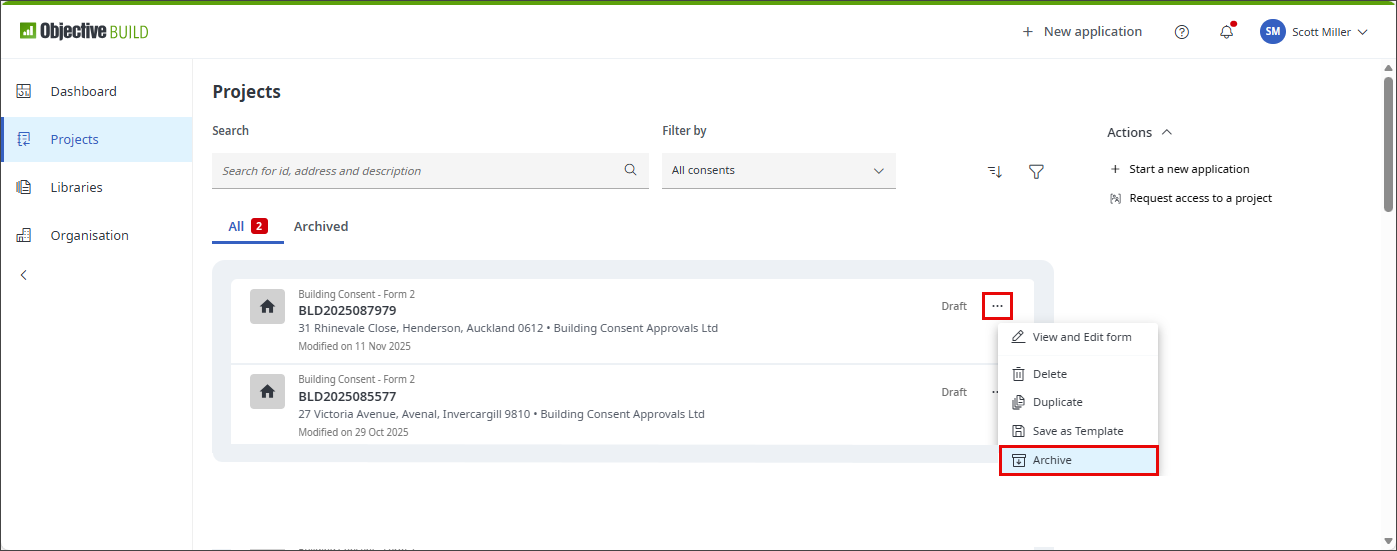
Click
 for the specific application and select
  Archive
-
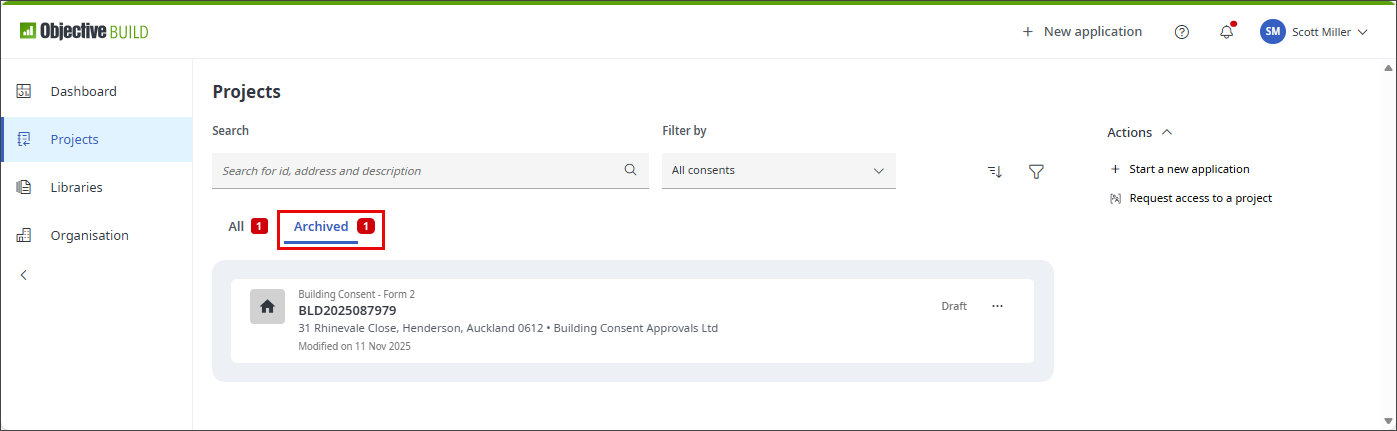
The application is then moved to the Archived list in the Projects screen
Restore an application
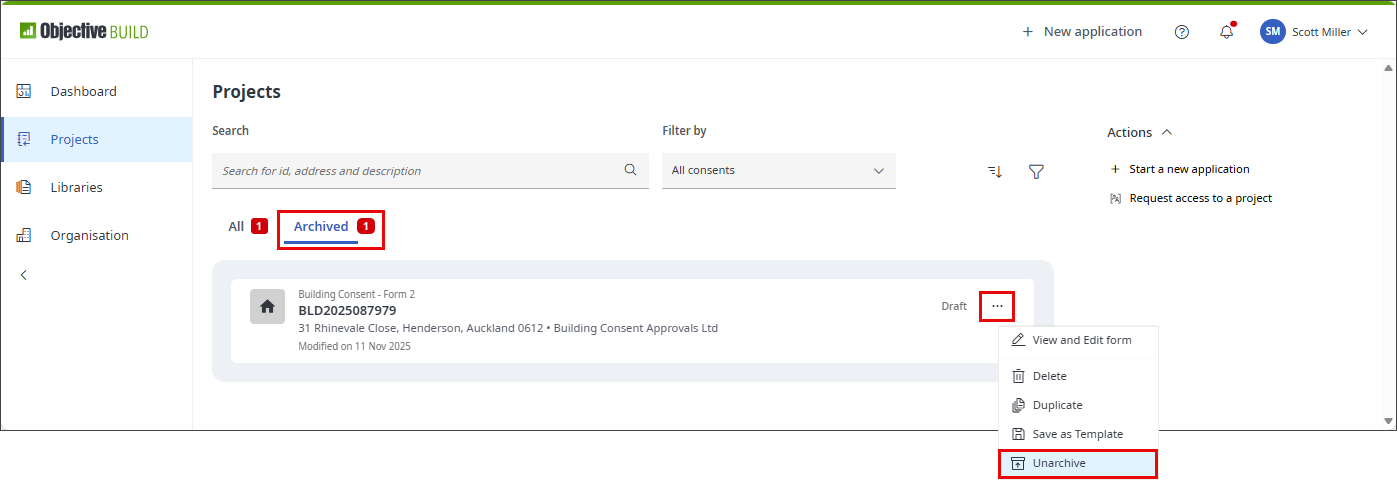
You can see a list of archived applications in the Projects page by selecting the Archived option. You can restore an archived application from this list. This makes the application visible in the All list of the Projects page. It has no effect on the accepted or rejected state of the application or on any of the application's data.
-
Navigate to the Projects screen
-
Search for the application by entering the search ID, address or description
-
Click
for the specific application and select  Unarchive
 -
The application will be moved back to the All list