Theme
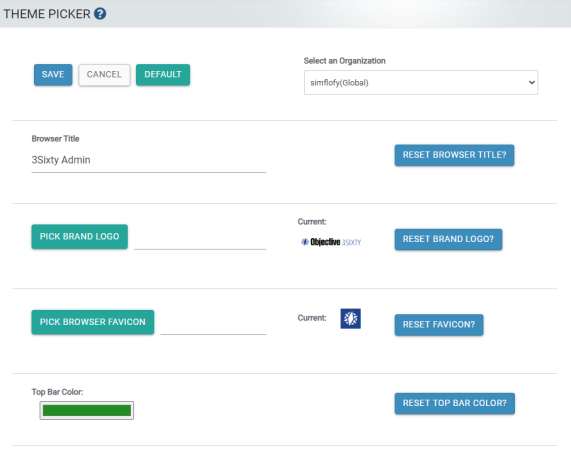
Theming gives an admin the ability to customise the Logo and Top Bar Colour. Each organization can choose to have a separate theme that can be set up by that organisations' admin. This is done in two parts.
Set Theme Options
-
Browser Title: Enter the title that you want displayed in the header of the browser.
-
Reset Browser Title: Check this box to reset the browser title to the default header.
-
Browser Favicon: Chose your Brand Logo file. Logos are selected through the choose file prompt.
-
Reset Favicon: Check this box to reset your favicon to the default selection.
-
Top Bar Color: The Top Bar Color is selected through the color picker prompt.
Related Articles