PII Data
Overview
The PII Scan feature allows the user to select a configured repository connector and job, then scan the repository for Personally Identifiable Information (Pii).
This can include phone numbers, social security numbers, proper names, and addresses.
A temporary job is created using the repository configuration of the selected job.
Important: File size limit is 95MB
Running the PII Scan
Under Analytics select PII Scan and complete the PII Scan page
-
Select the repository connection you want to scan
-
Select the Job to scan for PII
-
Optional
-
Start Date: Select a date to start searching for PII. If left blank the Job start time will be used
-
Exclude Binaries
-
Define list of properties. The default is all properties.
-
Notify of completion by email.
-
-
Select the Scan for PII button
Important: When running a PII Scan for a job with the PII Detection task included, please uncheck the "Break up PII data into individual fields with a prefix. (Ex. prefix_CreditCard)". Otherwise, the total PII instance will be 0
Viewing PII Data
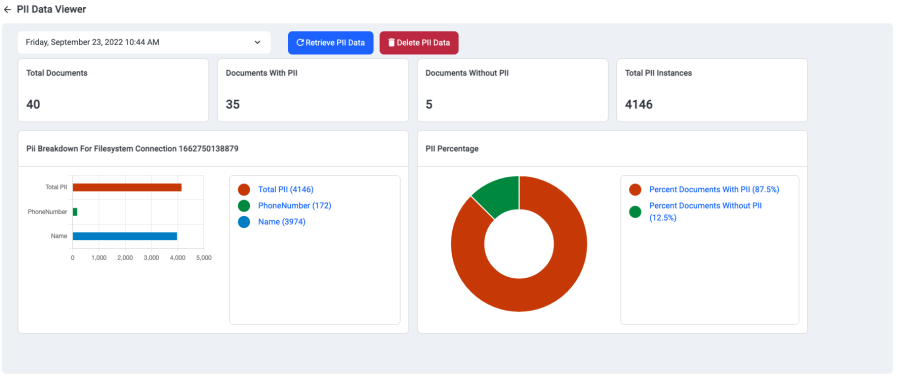
Once the PII is ran users can view the PII report in the Discovery UI by either:
-
Clicking on the link provided in the Scan complete notification box or
-
Selecting PII Data Viewer in the left navigation pane on the home page of the Discovery UI
Related Articles